Guide for organizers
Live in eight steps.
From sign-up to the last guest out. Screenshots show the real FlowPass app with sample data.
01
Create your organizer account
Sign up with your email and choose your store link, like /o/your-brand. This is the page you share with your crowd.
02
Connect Ziina
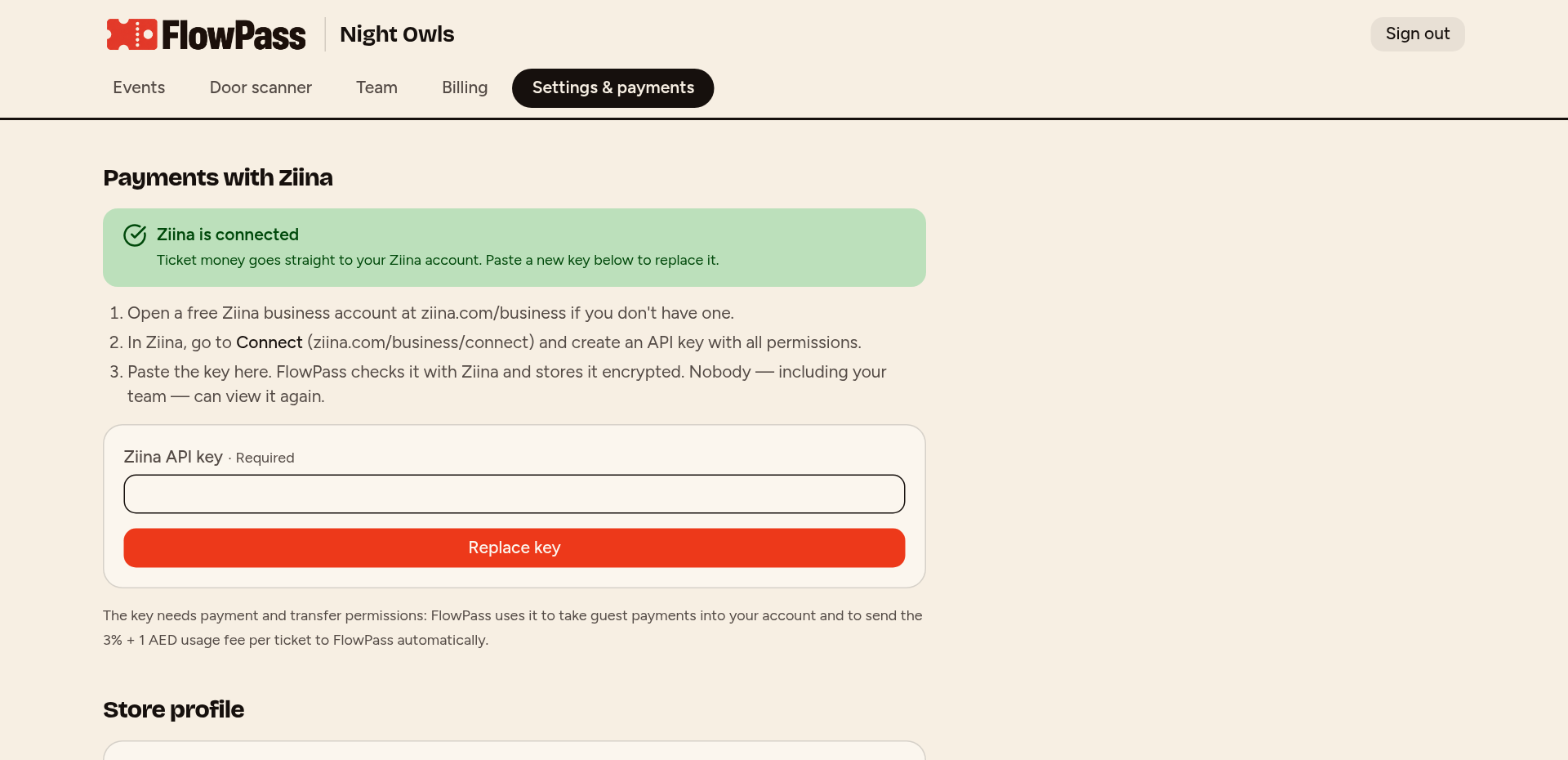
No Ziina account? Sign up with the FlowPass invite link in Settings & payments and pay 0 fees on your first 5,000 AED (Ziina terms apply). Then open Ziina → Connect, create an API key with all permissions and paste it in Settings & payments. FlowPass checks it with Ziina and stores it encrypted. Guests now pay straight into your account.
03
Build your event
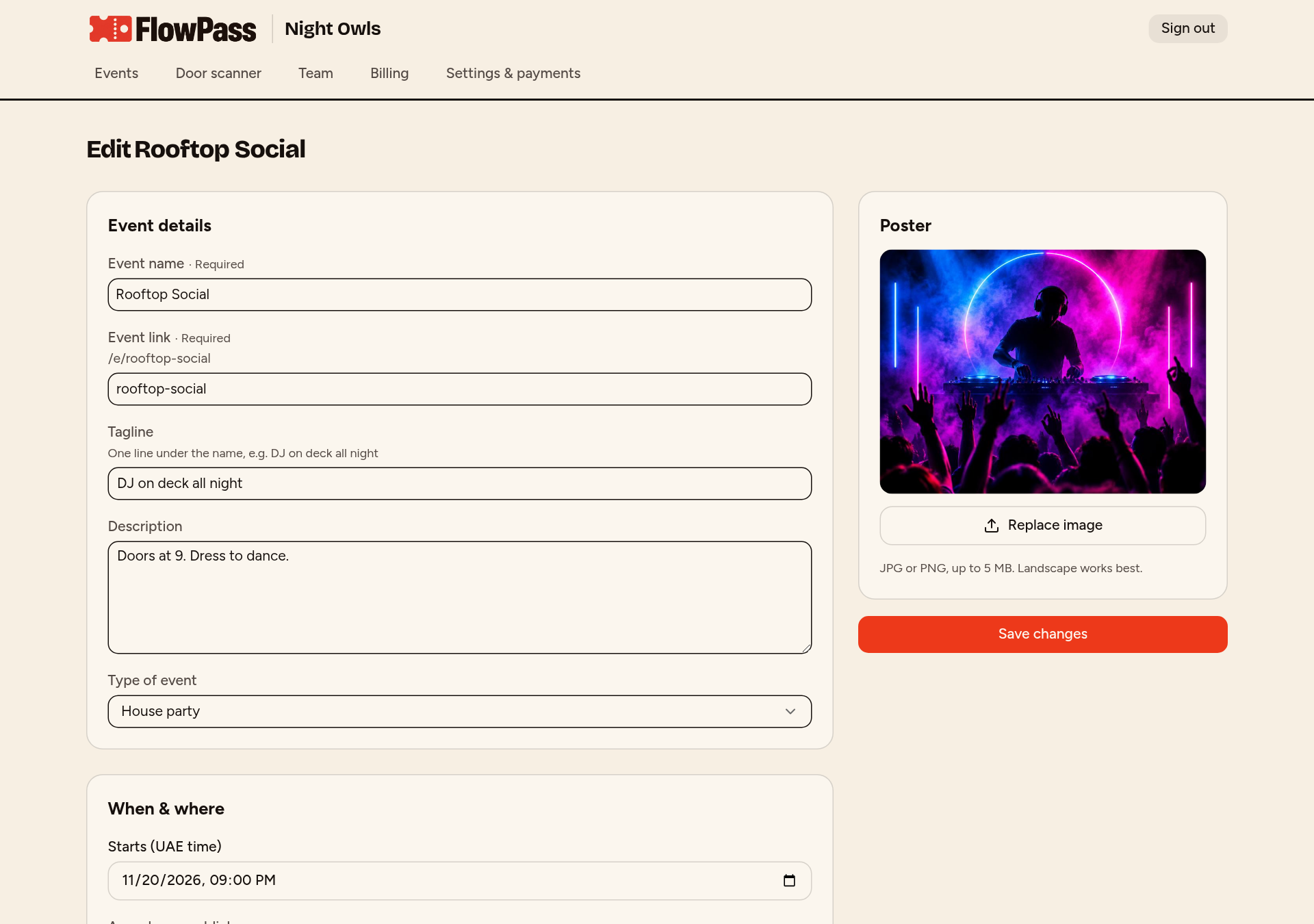
Add a poster, date, the area people see publicly and the exact location for ticket holders. Create ticket types with their own prices, colors and quantities. The calculator shows what you keep after fees.
04
Pay 500 AED and publish
Pay the one-time event fee through Ziina. Your event goes live on your store and gets its own link to share.
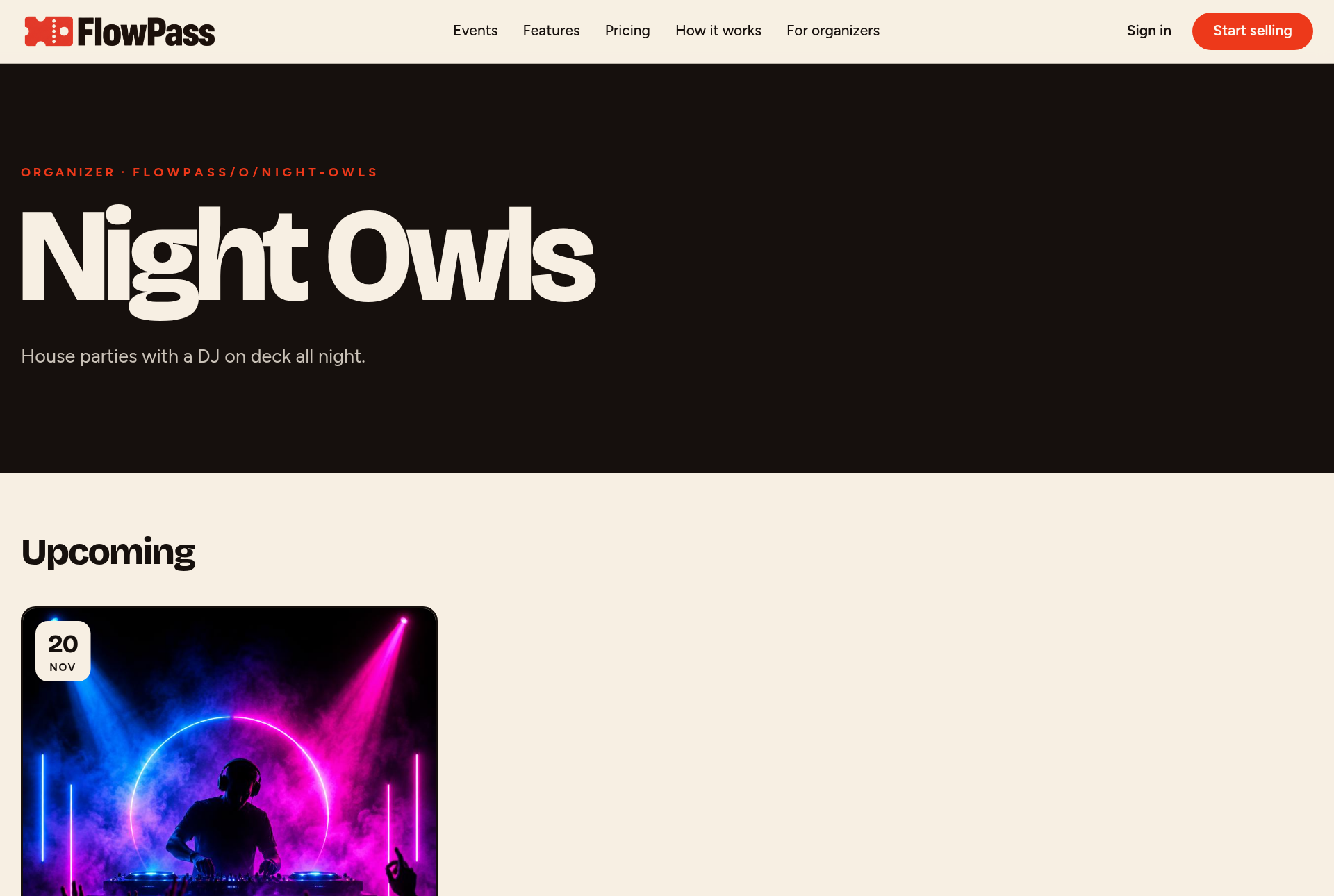
05
Guests buy tickets
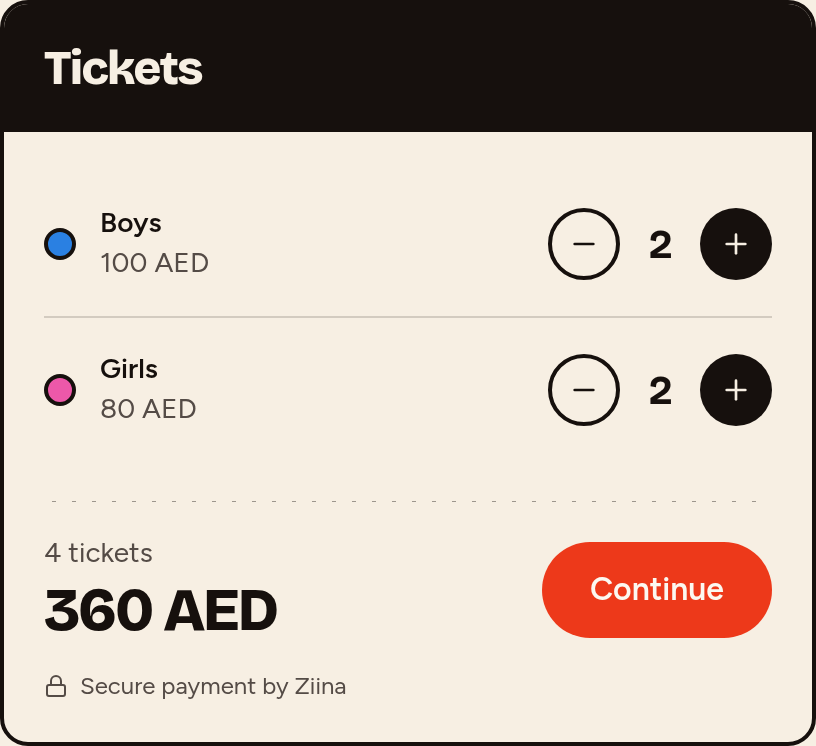
Guests pick tickets, enter each person's full name and age, and pay by card, Apple Pay or Google Pay. FlowPass sends the processing fee per ticket automatically.
06
Every guest gets a QR pass
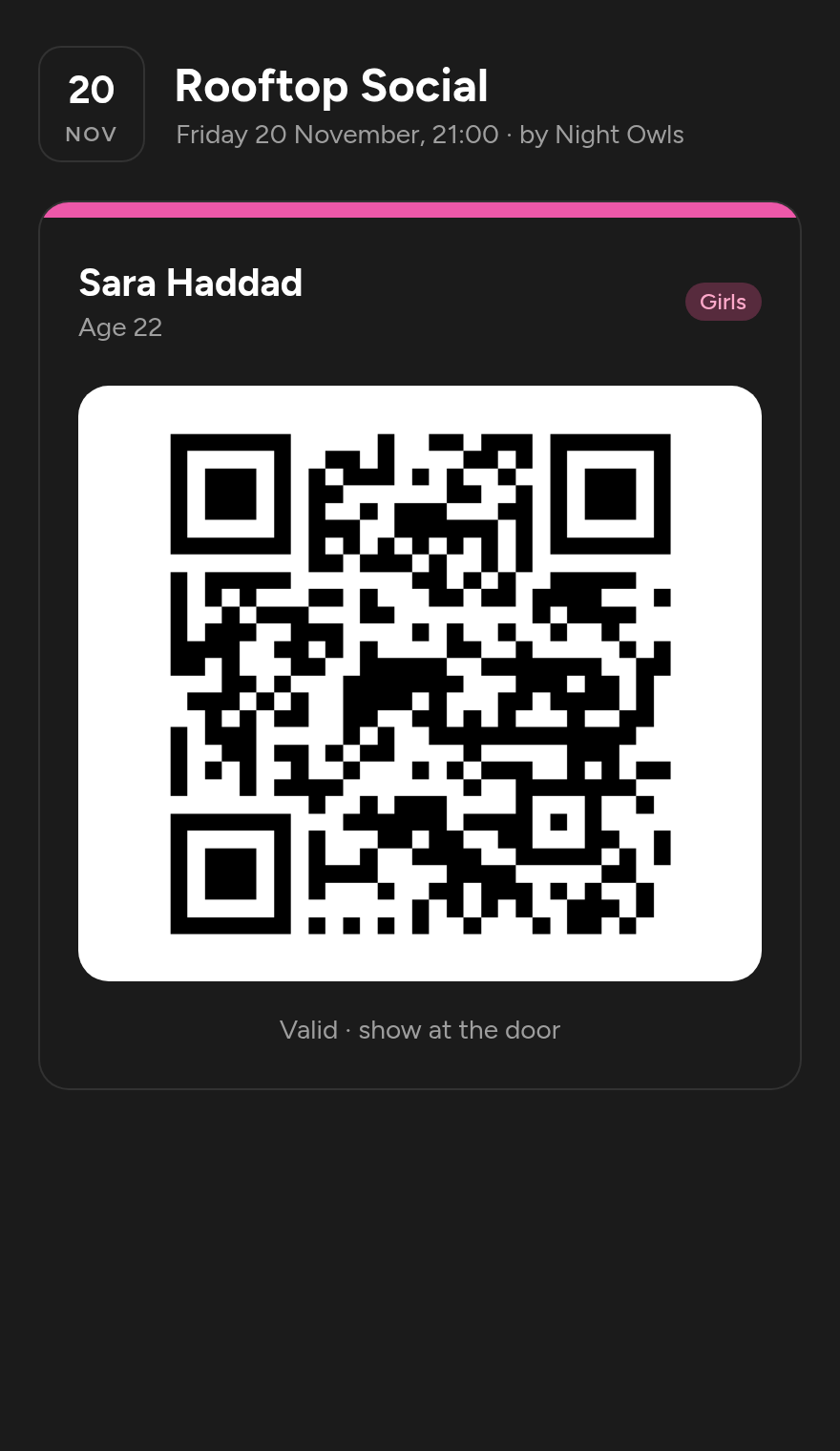
Each pass is unique, shows the guest's name and turns green with 'Checked in' when scanned. The secret location appears on the pass when you choose.
07
Scan at the door
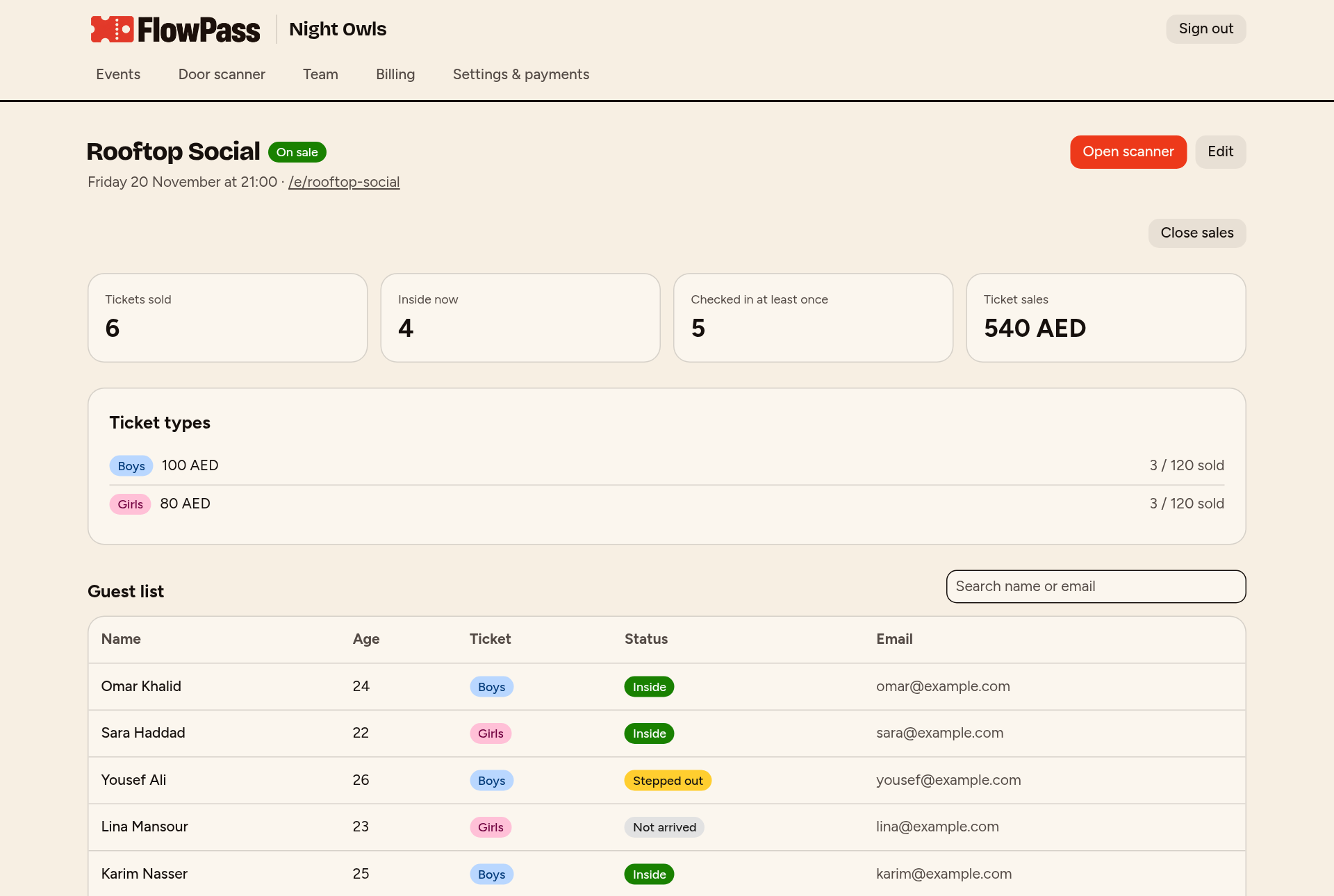
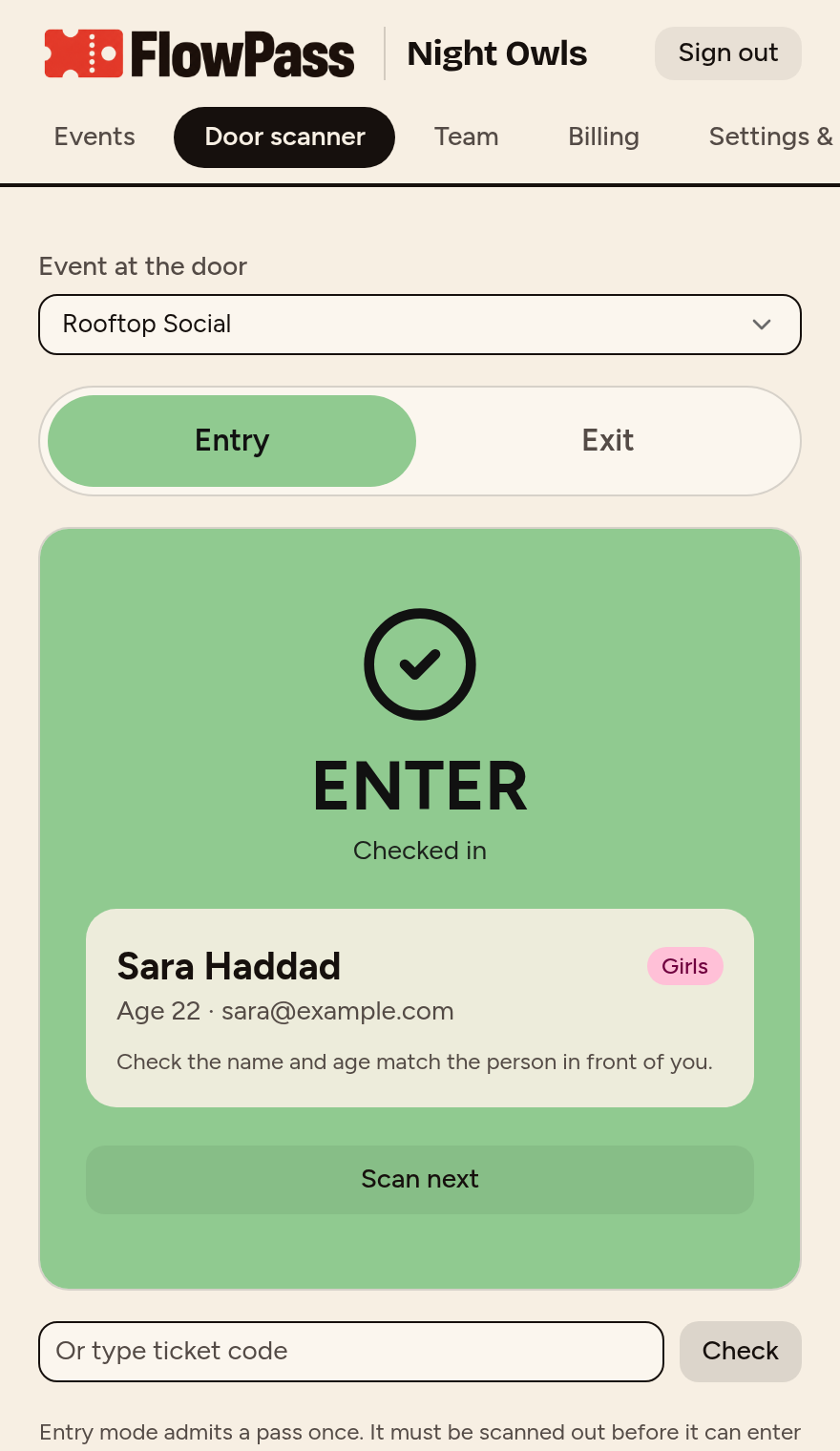
Invite door staff by email. They open the scanner on their phone, pick Entry or Exit and scan. A pass that's already inside shows red. Guests scan out to leave and back in to return.
08
Track sales and fees
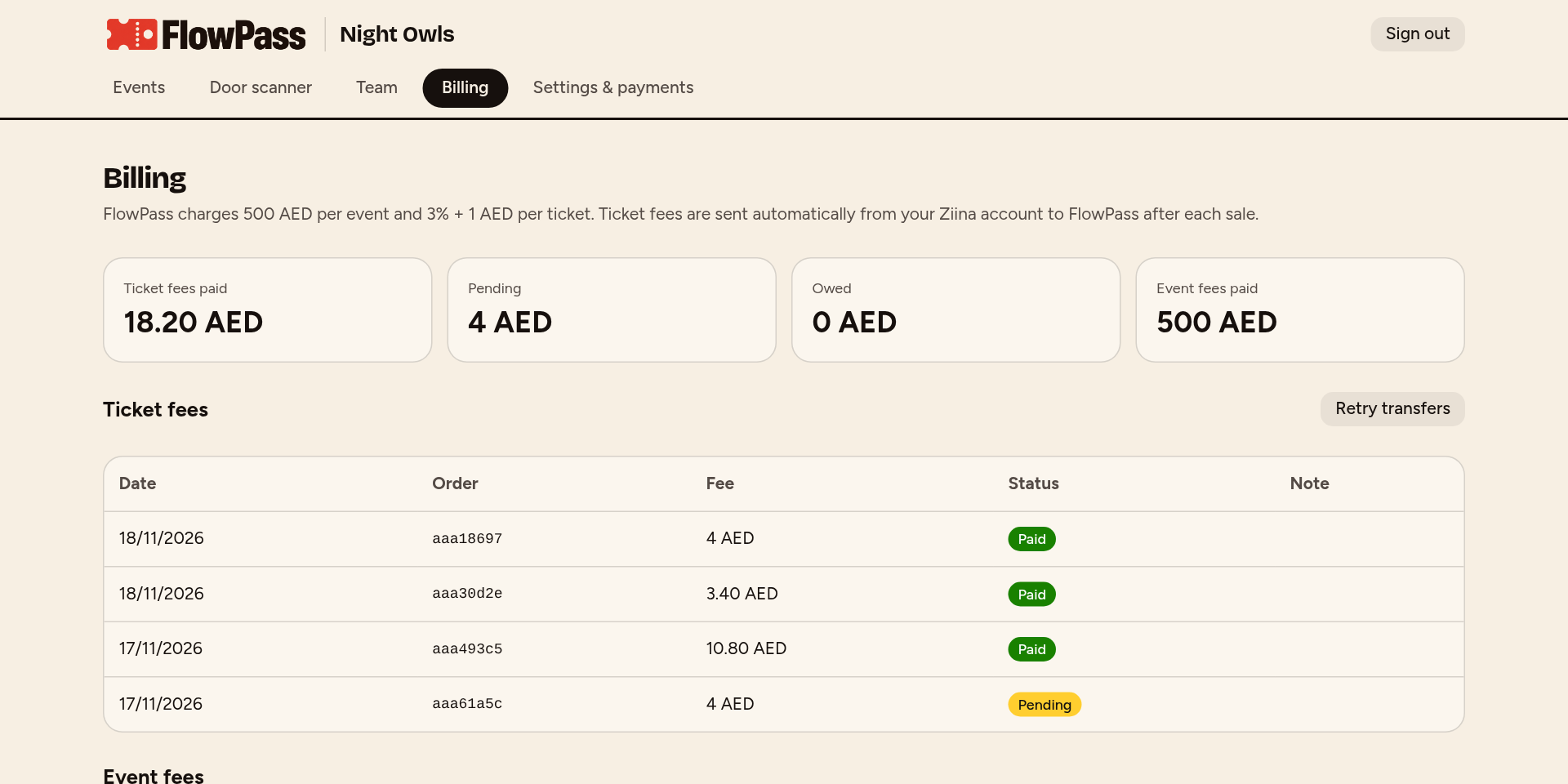
See tickets sold, who's inside and every FlowPass fee on the Billing page. Ticket money is always in your own Ziina account.